AI
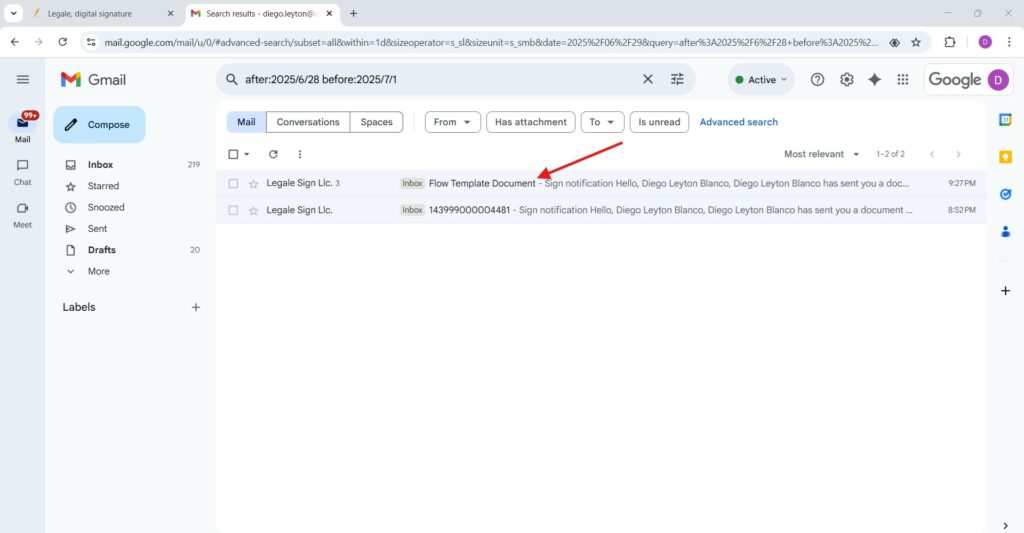
AIForward sign notification
Clicking the “Forward sign notification” button while a document is marked as “IN PROGRESS” allows the user to promptly resend a signature reminder to the signer. This feature helps streamline the signing process by re-engaging pending signers without having to restart or modify the current document flow.
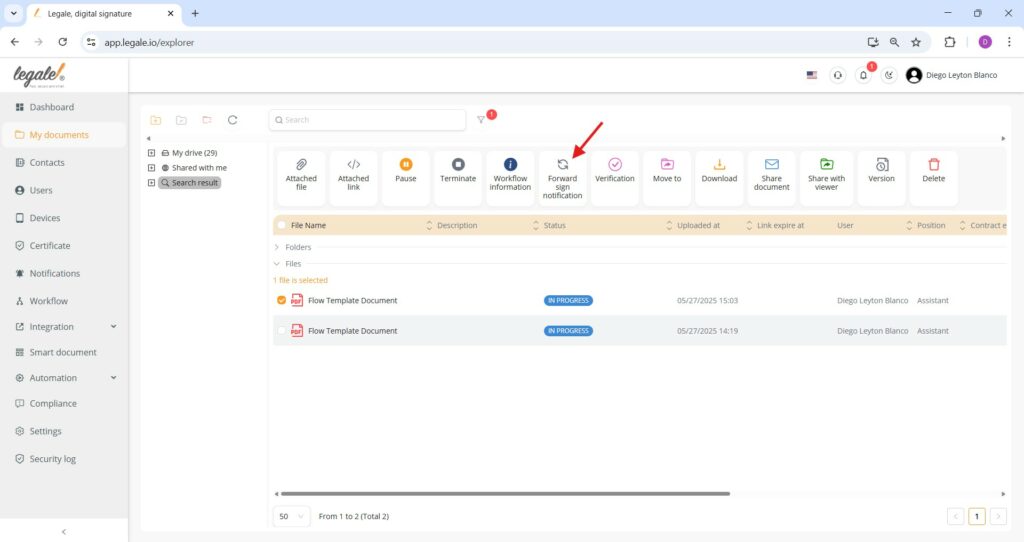
Confirmation prompt
After selecting “Forward sign notification”, a confirmation window will appear asking “Are you sure to send notification to these signers?”; to proceed, click “Send” and the system will dispatch a reminder email to all pending signers, reinforcing the need for their action in the signature process.
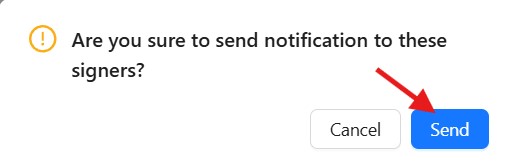
Gmail notification
Recipients receive an email from Legale Sign LLC. The subject line includes the document name — in this case, Flow Template Document.This confirms that the notification was successfully delivered to the signers.