













Sign documents with out internet connection

On-Site Electronic Signing on Your Tablet or Mobile Phone with Legale Mobile

Benefits

Key Benets of the Free Legale Mobile App

Discover the fastest, most reliable, and efcient on-site electronic signature solution on the market. With our free Legale Mobile app, available on Play Store and App Store, you can sign documents quickly and securely, even without an internet connection, directly from your tablet or mobile phone

Offline Electronic Signature

eload your documents on your tablet or mobile phone using Legale Mobile and sign them on-site, even without internet access. Perfect for remote operations.

Sign multiple documents instantly:

Save time by signing multiple documents at once from your mobile device, streamlining your workow.

Request instant evidence:

Advanced search engine:

Easily nd any signed document with our efcient and powerful search tool.

International compliance:

Our app meets the highest global security and legal standards, ensuring transparent and auditable processes

The Perfect Solution for On-Site Signing Using Your Tablet or Mobile Phone

Legale Mobile puts the power of electronic signatures in your hands:

Efficient

gn documents in minutes, no matter where you are.

Reliable

Secure, fast, and proven technology on tablets and mobile phones.

Flexible

Ideal for any scenario, online or ofine.

Benefits

Download our free Legale Mobile app

today on your tablet or mobile phone and take your business to the next level.

Available on Play Store, App Store and manual download

Thousands Trust Us, Join Our Thriving Community!
Legale Tablet · Legale Mobile app

Sign documents
from anywhere.

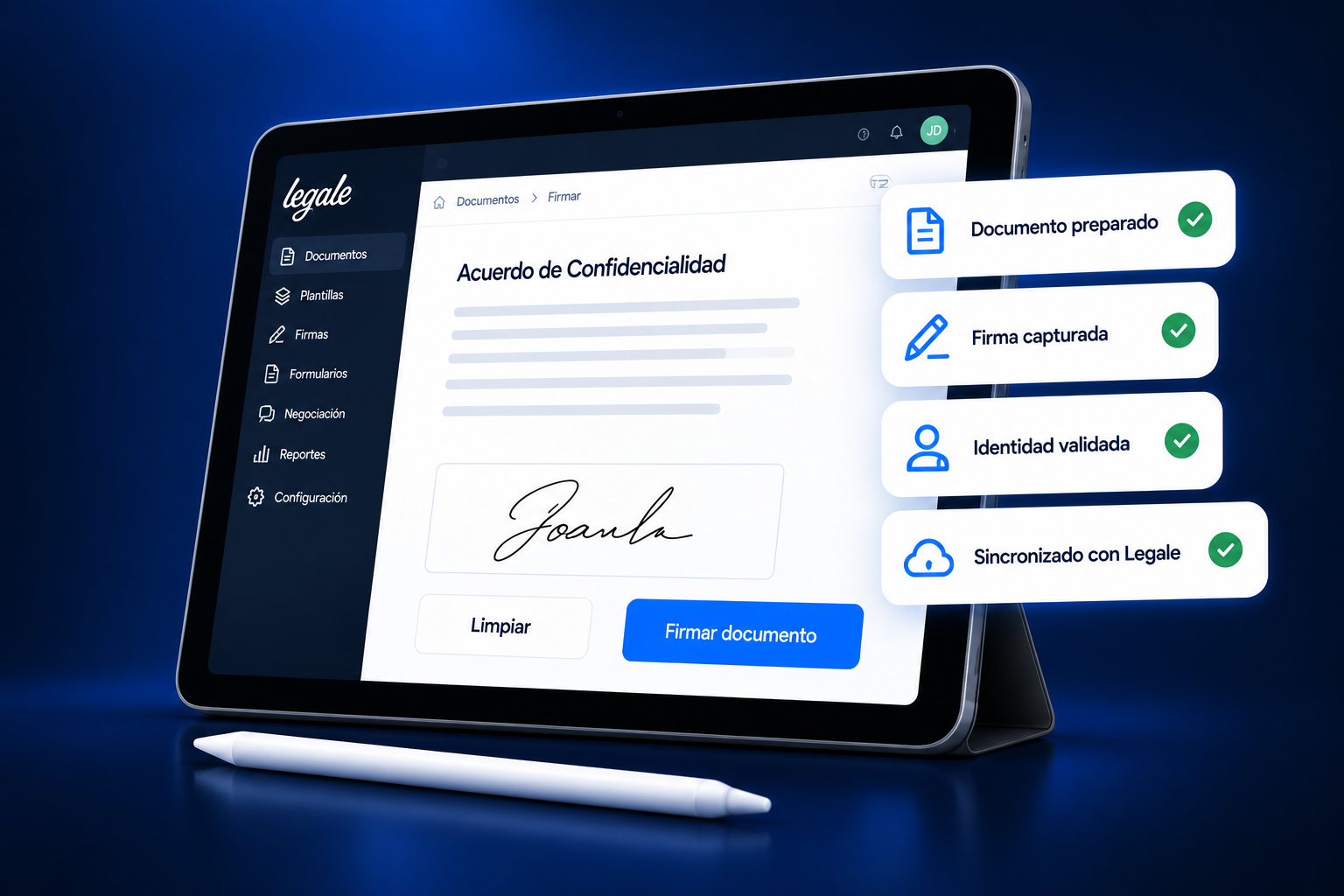
Turn your tablet or phone into an on-site signing station. Prepare documents, capture signatures and keep your work connected to Legale—even when you need to work offline.
Get it on Google Play

Manual download (ZIP)

Quick setup
Evidence capture
Tablet & mobile
Connected to Legale
Legale Tablet with document signing screen and signature status cards
How it works

A simple, connected process.

Set up your signing station in just a few steps.

01

Download

Install Legale Mobile on your supported device.

02

Sign in

Connect to your Legale account and prepare your documents.

03

Sign

Let your employee or customer sign directly on the screen.

04

Sync

Reconnect to bring signed documents back into your Legale workflow.
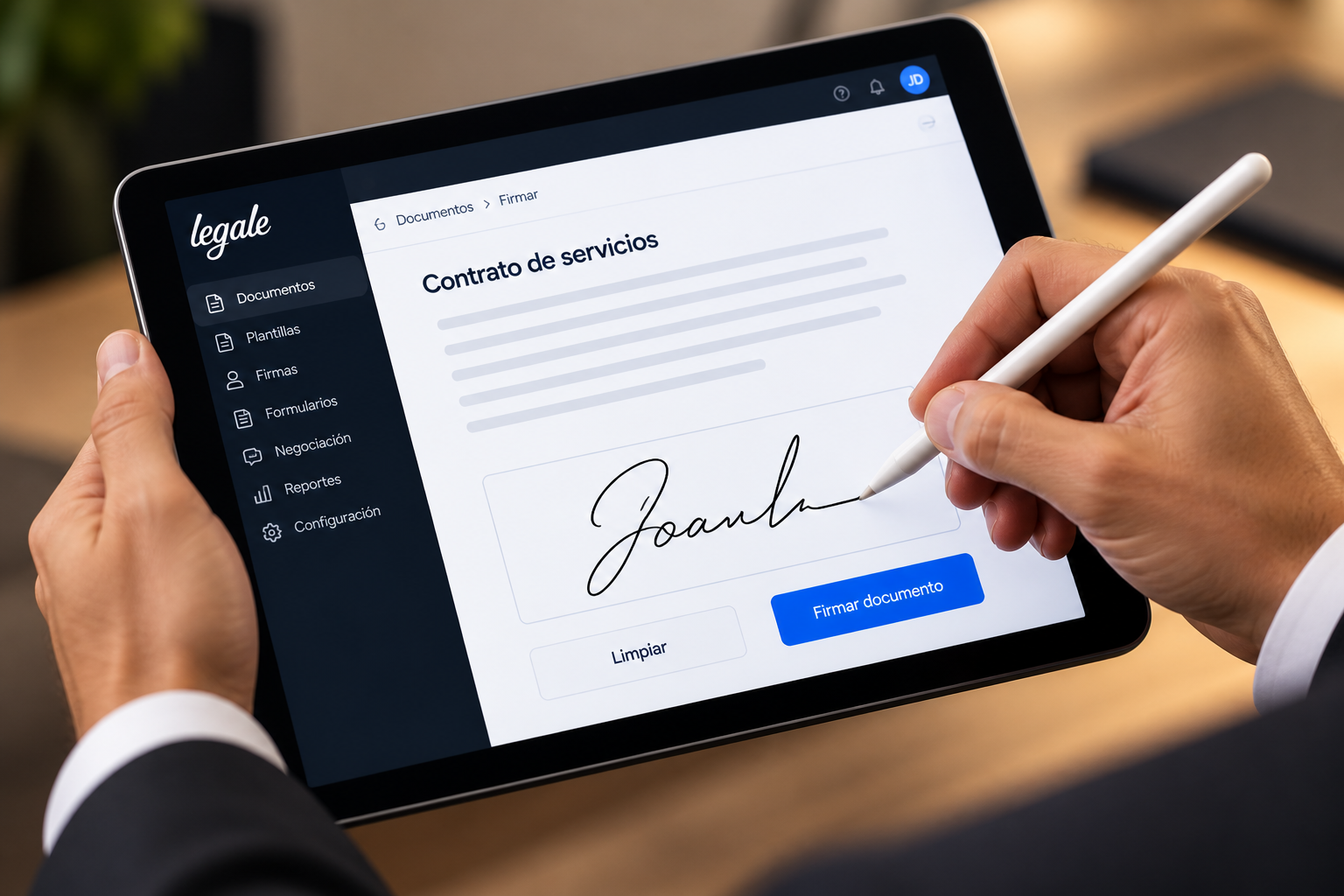
Signing a document on Legale Tablet with a stylus
Your workspace, wherever you are.
Use cases

Built for the way your team works.

Bring electronic signing to the people who need it.

Sales & customers

Sign agreements at your office or during a customer visit.

Human resources

Support employee onboarding and labor document workflows.

Field operations

Collect signatures on forms, records and operational documents.

Professional services

Prepare and sign documents in person with your clients.

Events & meetings

Capture agreements and authorizations at the point of contact.
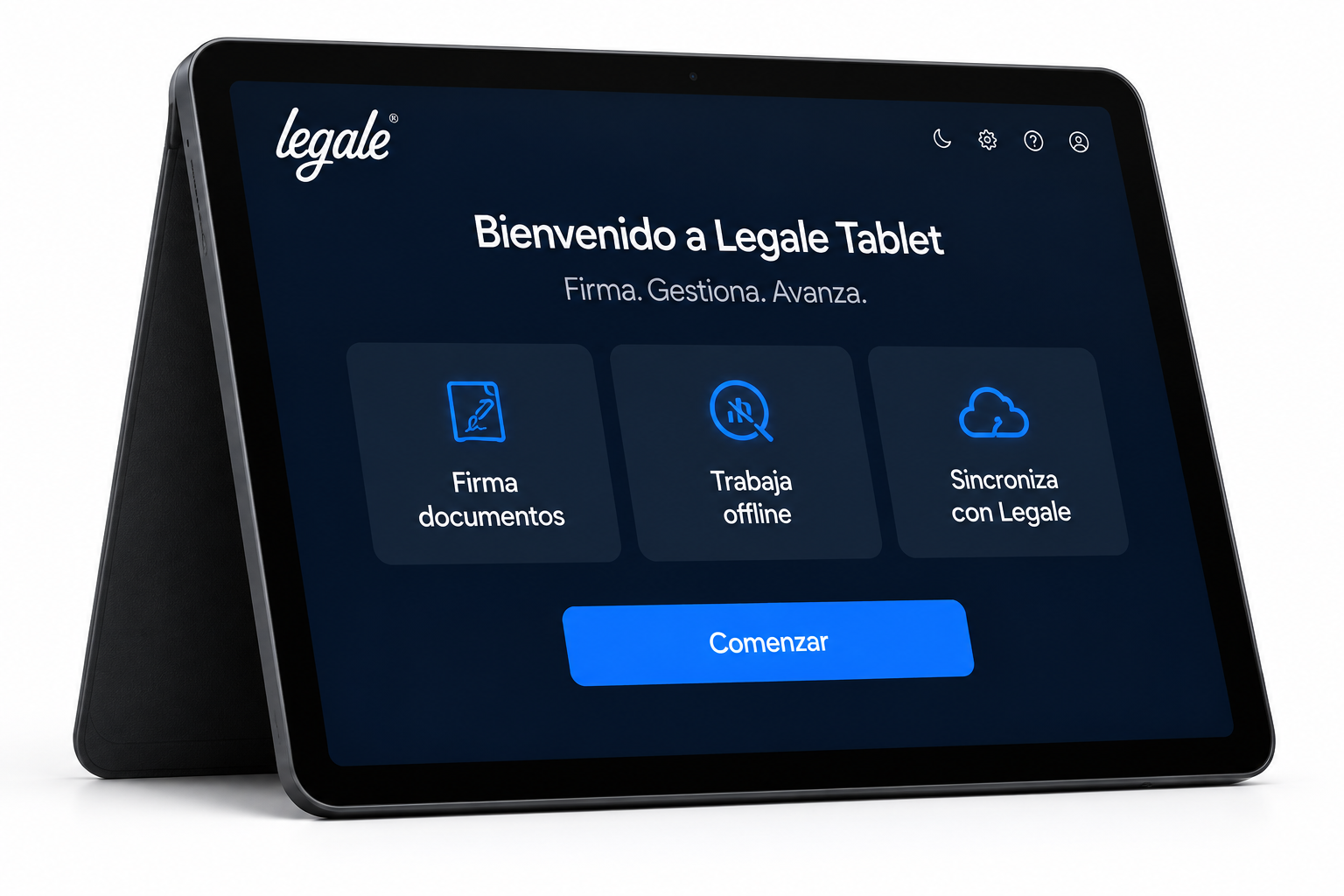
Legale Tablet welcome screen with signing, offline work and synchronization
Evidence & control

Keep every signature
connected to its context.

Bring document handling and supporting evidence into one workflow, from the first signature to the final record.

Capture evidence

Collect photos and identity document images when your process requires them.

Find documents

Locate signed records with the app’s document search.

Stay organized

Keep your documents connected to your Legale account.

Part of the Legale ecosystem

Explore our security and data protection practices.

Visit the Trust Center →

Dirección del Trabajo — Chile

Electronic signatures in Chile

Consult the Dirección del Trabajo’s official information on electronic signatures and the requirements that apply to your labor documents.

Read the official guidance →
Legale Tablet

Take your signing workflow further.

Less paperwork. More flexibility. One connected team.

More mobility

Work where your customers and teams are.

A better experience

Make in-person signing simple.

Less manual work

Keep your document workflow moving.

Scroll to Top

Contact Us

contact with an agent

Use this form to reach our agent quickly. We're here to assist you.


Learn how we handle your information in our Privacy Policy.