AI
AIPassword reset
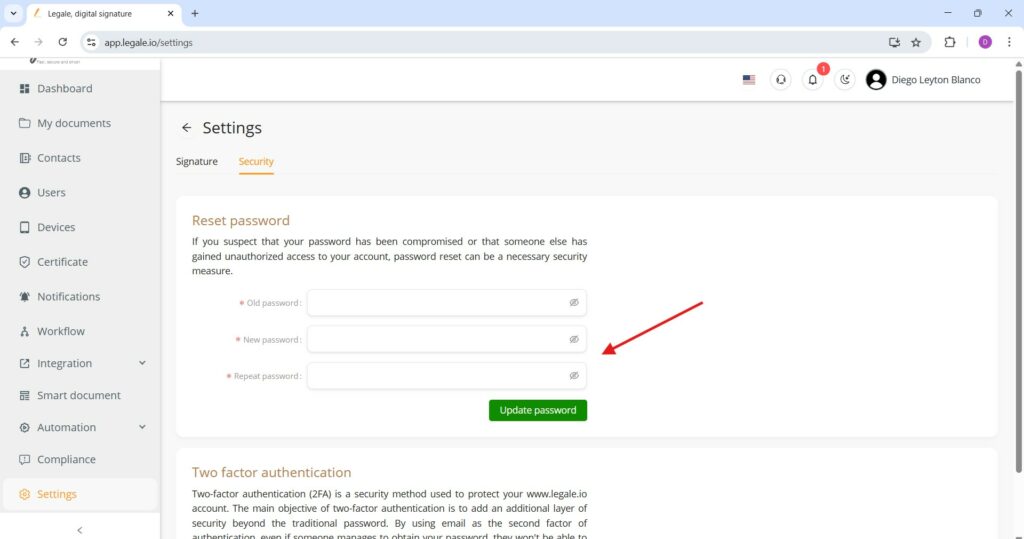
In the Security tab of the Settings menu, users can securely change their login credentials through the Reset password section.
Steps to reset password:
-
Old password – Enter your current password.
-
New password – Input the desired new password.
-
Repeat password – Confirm the new password by typing it again.
After entering the required information, click the “Update password” button to complete the change.
Two-factor authentication (2FA) activation
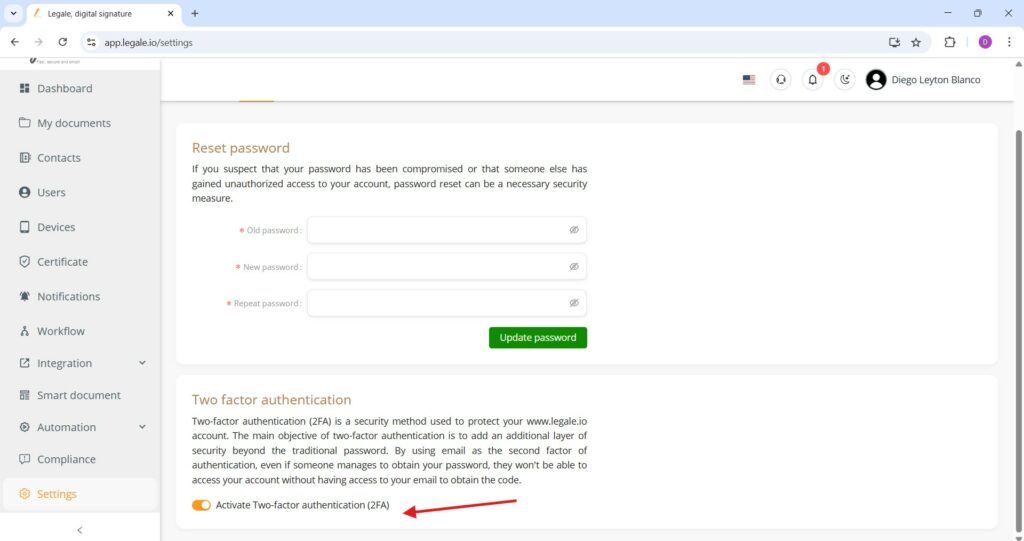
In the Security tab under Settings, Legale provides the option to enhance account security with Two-Factor Authentication (2FA). Two-factor authentication adds an extra layer of protection to your account. Even if someone obtains your password, they will not be able to access your account without a second verification step.
Simply toggle the “Activate Two-factor authentication (2FA)” switch to ON, as indicated by the orange slider.