AI
AIObjective: Generate usage reports.
Español
English
Português
Steps:
1. Generate an audit report
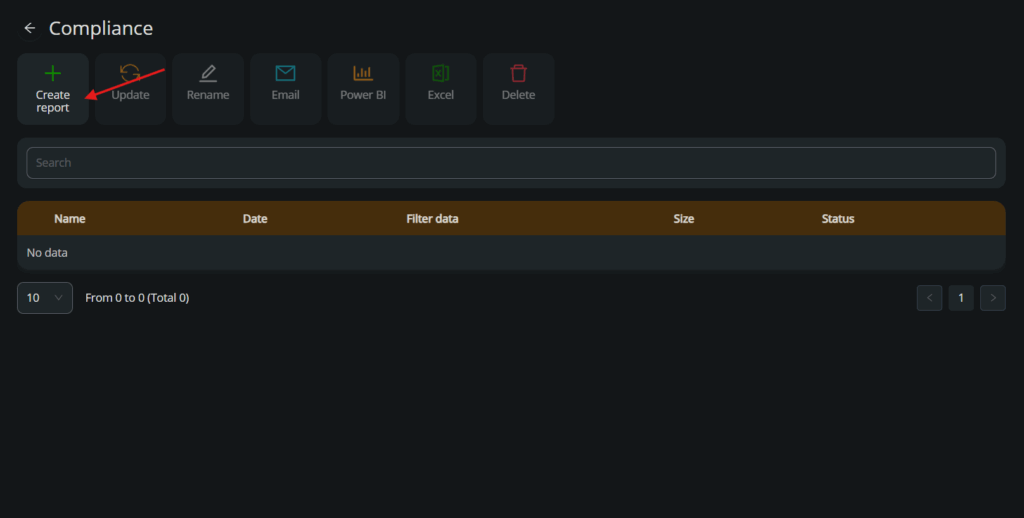
Go to the Compliance module and click on Create report.
2. Prepare the audit report
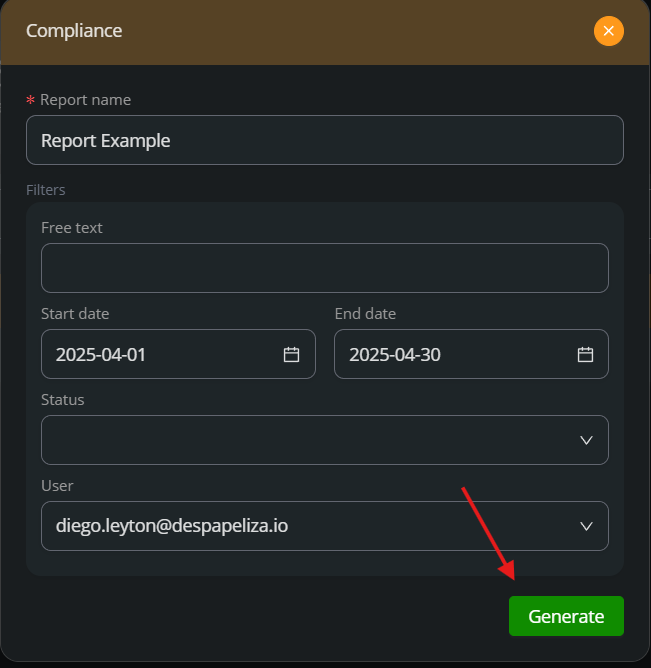
Set the name, date range, status, and user. Click Generate.
You can choose between the following status:
Uploaded
Ready for workflow
Ready to sign
In progress
Signed
Rejected
Flux paused
Approve or reject
Pending deletion
Terminated
Sign link expired
3. Export the audit report
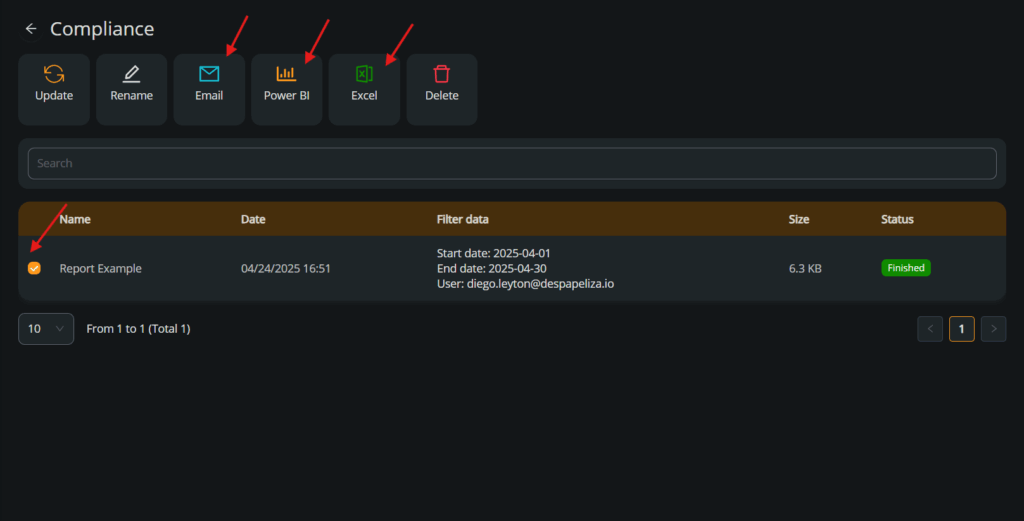
Once the report is generated, select it and use the Email, Power BI, or Excel buttons to export the report as needed.