
An Offer Letter is a formal document used to present a job offer to a candidate. This guide will show you how to generate an Offer Letter using smart documents and forms through seven simple steps. Let’s get started!
1. Create the Smart Document #
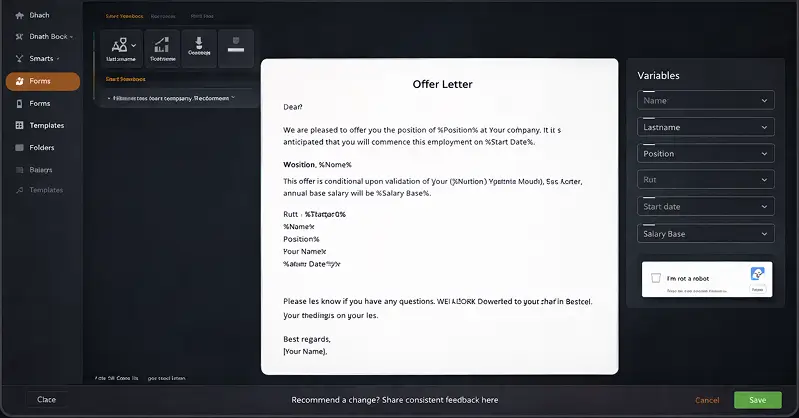
Start by creating the smart document for the Offer Letter. Use variables like Name, Lastname, Position, Rut, Start Date, and Salary Base that will be filled in later.
Example variables used in the document:
- Name
- Lastname
- Position
- Rut
- Start date
- Salary Base
2. Access the Forms Section #
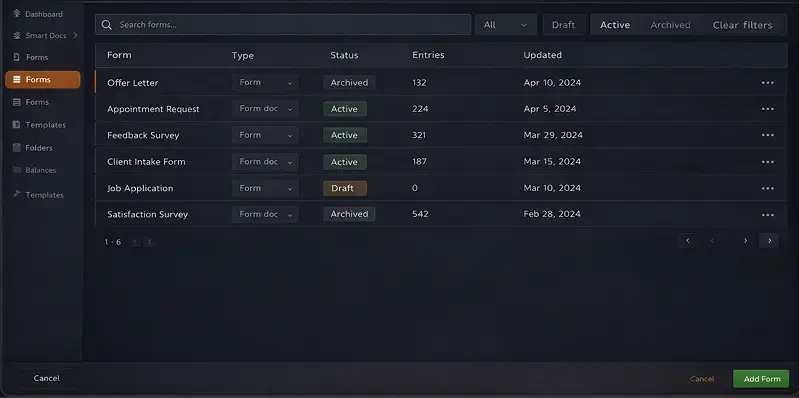
Once you have your smart document, navigate to the Forms section. This is where you’ll manage and create forms.
3. Create the Form #
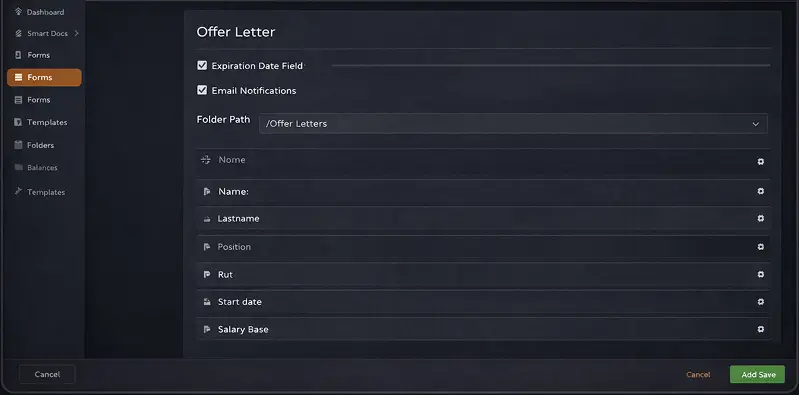
Set up a form linked to your Offer Letter document. Define the expiration date, email notifications, folder structure, and form fields.
4. Configure Folder Structure #
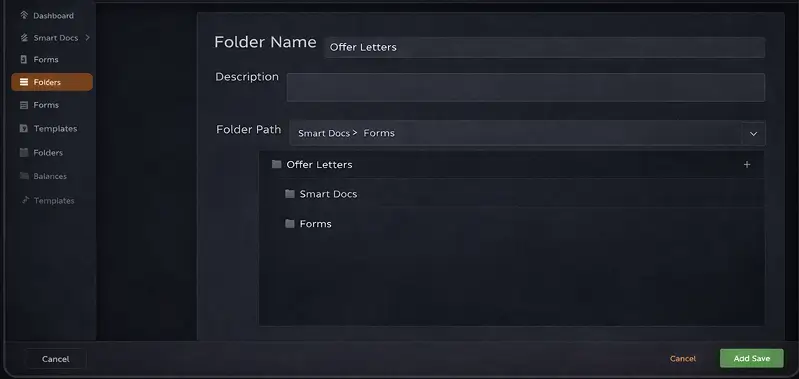
Organize your Offer Letters by setting up a smart folder structure. Automatically store generated documents in specific folders.
5. Share the Form #
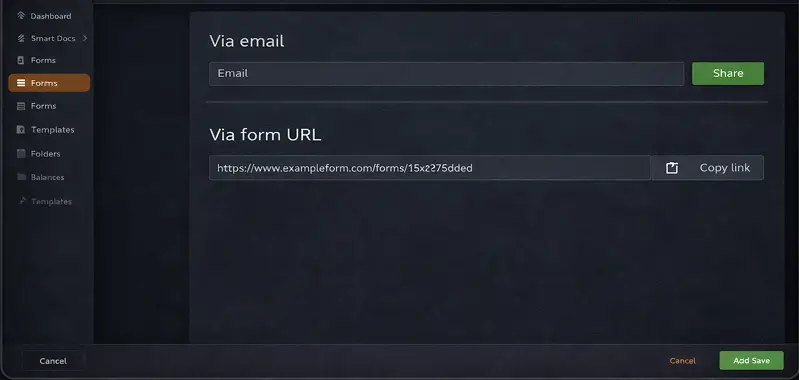
Once the form is ready, share it with the candidate via email or a shareable link, allowing them to fill it out with their info.
- Via email, share directly with candidate.
- Via a form URL, copy the link to send.
Start Generating Offer Letters Today!


