
Contacting support
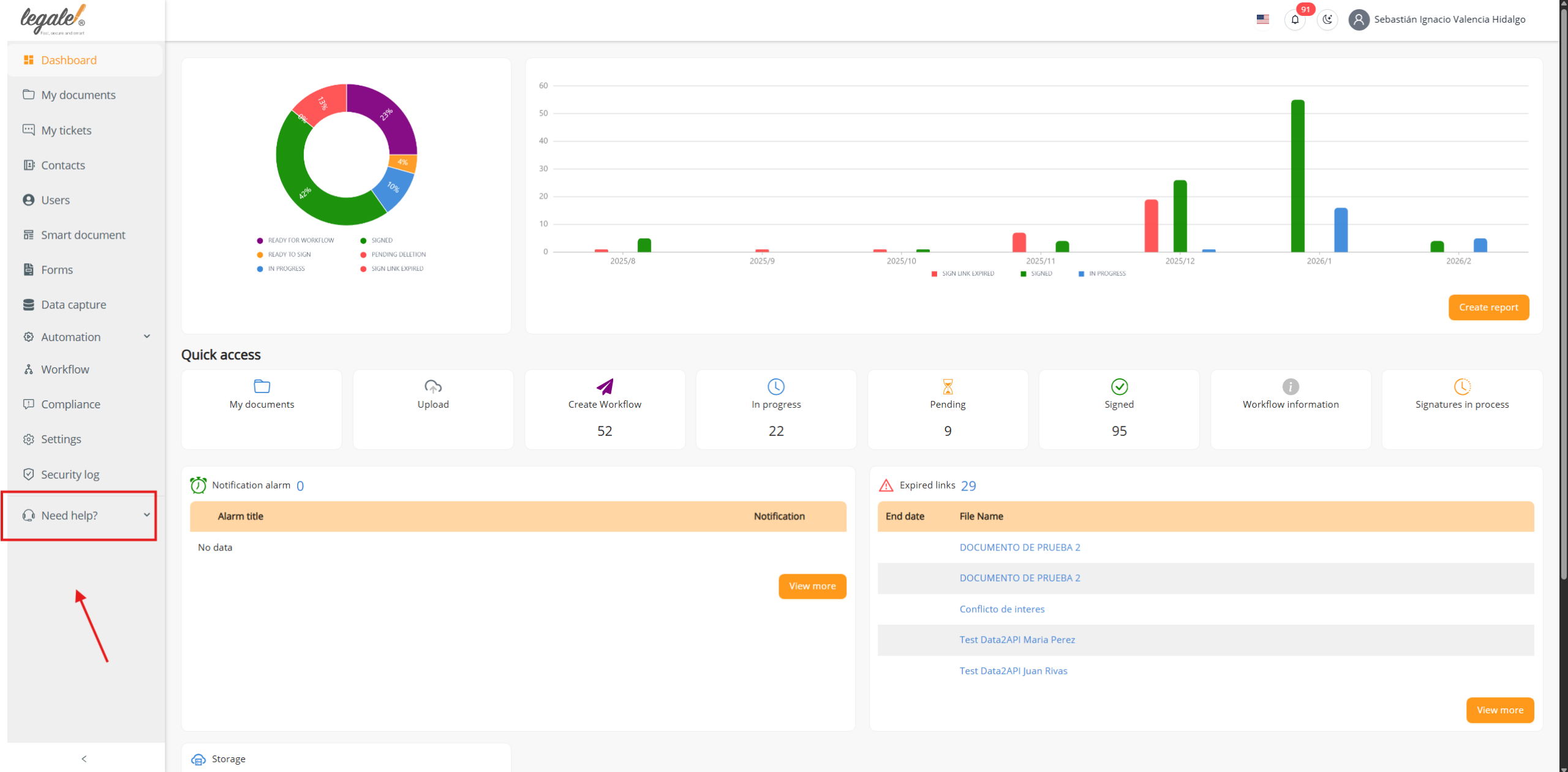
The user must go to the side menu and click on Need help.
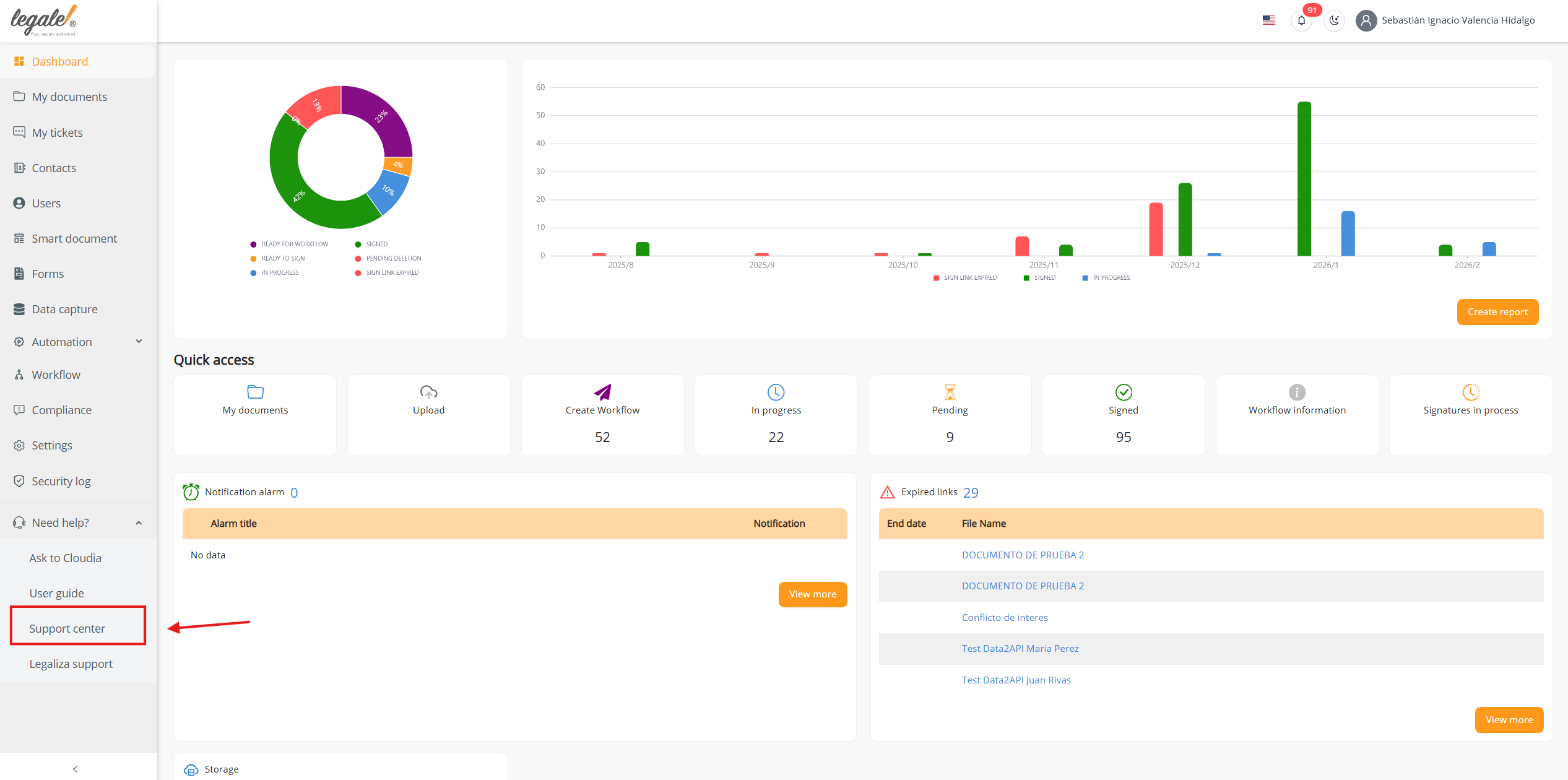
When opening the Need help section, the user must select Support center.
Once inside Support center, the support window will open on the right side of the screen.
In this window, the user will see the Create request option and will also be able to view their support requests by status: Open, In progress, Resolved, or Closed.
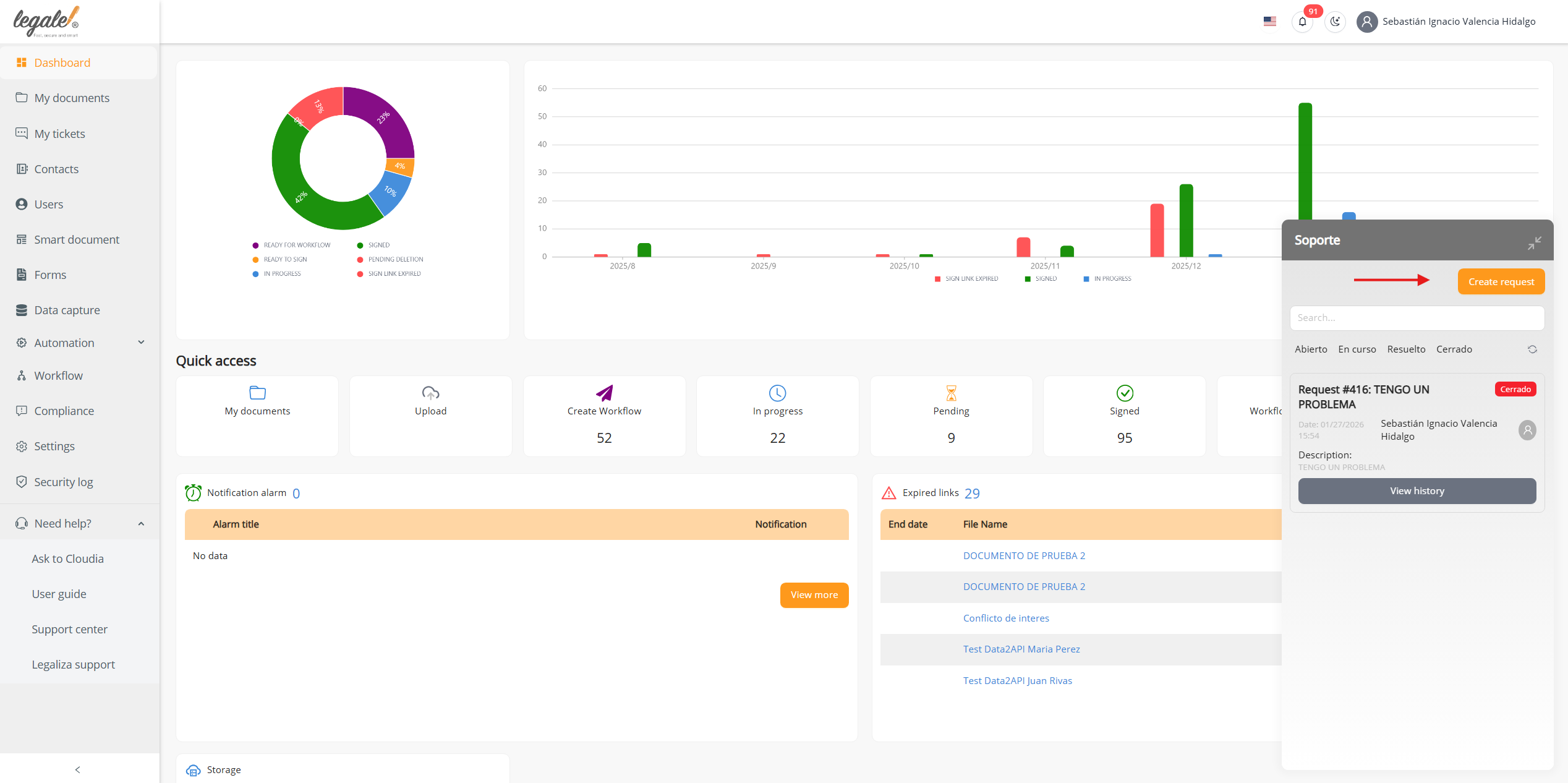
Support request creation
When selecting the Create request option, the user will be able to create a new support request.
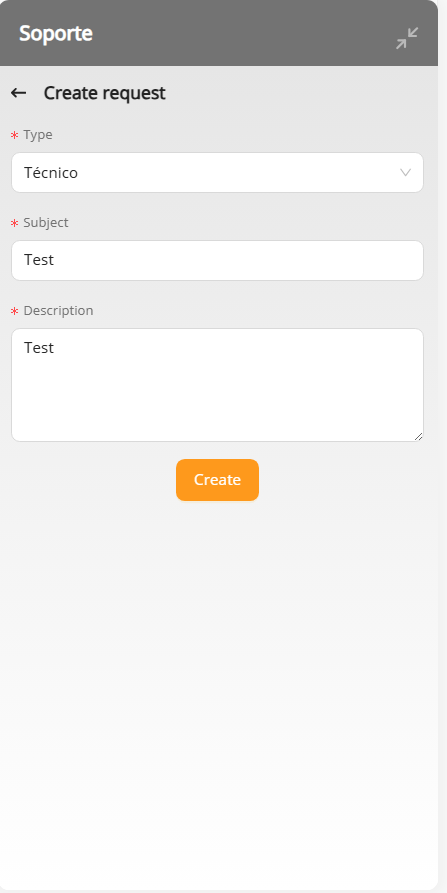
To create a request, the user must complete the following fields: Type, Subject, and Description.
The Type field has two available options:
-
Technical: used to request assistance related to platform issues, site software problems, or technical errors.
-
Sales: used for requests related to plans, plan packages, subscriptions, or commercial inquiries.
After completing the required information and creating the request, the user will be able to track its status from the same support window, where requests are categorized as Open, In progress, Resolved, or Closed.


