






 AI
AI
Finances
Sales and contracts
Human Resources
Legal department
Operations
Security
Chilean Labor Department
Digital Signature
A Conflict of Interest document is a document where a person declares whether they have personal, family, or financial interests that could influence their decisions within a company or organization.
This document is signed to create a formal record of the declaration, ensuring transparency and compliance with the organization’s internal policies.
Using Smart Documents, CSV automation, and conditional workflows, companies can automatically generate, send, and manage these declarations in a structured and scalable way.
The first step is to create the document in the “Smart Documents” menu.
Within this menu, the document can be built using conditional rules or dropdown lists, allowing the document to display exactly the information required for that specific case.
Example:
The second step is to create the CSV automation, which allows this document to be sent in bulk or individually, depending on how you need to manage it.
To configure it:
Menu → Automation → CSV
Within this section you will find the option to import a CSV file.
The CSV file can be uploaded from your computer or from a Legale folder.
In this step you must activate the option:
“Would you like to create a form to collect information to generate a document?”
This allows the employee to complete a form previously created, where they can answer whether they have a conflict of interest or not.
After that:
Always remember to save the changes in the bottom-right section.
Documents can also be saved based on the variables defined in the Smart Document.
In this section you can create the approval or signature workflow you need.
There is no limit on the number of signers or rules.
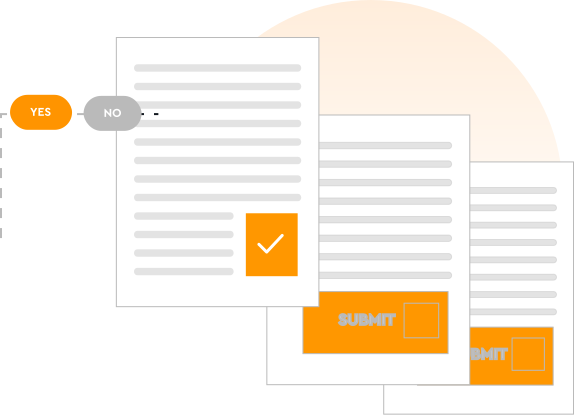
Because this is a Conflict of Interest document, the workflow can change depending on the employee’s response.
For example:
Regardless of the employee’s response, the system generates the same Conflict of Interest document previously configured in Smart Documents.
The difference is that the signature workflow changes depending on the employee’s answer.
(for example: Employee and Direct Supervisor).
This ensures that the document is always generated consistently, while automatically applying the appropriate approval and signature workflow.

After evaluating different alternatives, we decided to integrate Despapeliza's document management platform due to a need to move forward as a company towards digitalization. Thanks to the autonomy in configuration, we have covered different areas of the company, automating internal and external workflows, managing to eliminate paper and save resources. Our users have become accustomed to the ease of the platform, demanding digitalization in more company processes.

Thanks to the ease of use of the solution, we achieved rapid adoption of the tool and reduced signing times from 7 days to just hours in processes of board minutes, committees and commercial agreements. We save 100% of the expenses associated with the transportation of documents and the collection of signatures in different communities, and even outside Santiago.
AI
Finances
Sales and contracts
Human Resources
Legal department
Operations
Security
Chilean Labor Department
Digital Signature
Use this form to reach our agent quickly. We're here to assist you.
Learn how we handle your information in our Privacy Policy.
Less paperwork. More control.
Move every agreement forward.
Make every employee process simpler.
Clear agreements. Confident decisions.
Keep work moving safely.
Everything you need to work smarter.
Explore how your information is protected.
Guidance for digital employment processes.
Explore signing options and quality standards.