Conflict of Interest Document

Conflict of Interest Document

A Conflict of Interest document is a document where a person declares whether they have personal, family, or financial interests that could influence their decisions within a company or organization.

This document is signed to create a formal record of the declaration, ensuring transparency and compliance with the organization’s internal policies. 

Using Smart Documents, CSV automation, and conditional workflows, companies can automatically generate, send, and manage these declarations in a structured and scalable way.

1.

Document Creation

The first step is to create the document in the “Smart Documents” menu.

Within this menu, the document can be built using conditional rules or dropdown lists, allowing the document to display exactly the information required for that specific case.

Example: 

  • Conditional rules
  • Dropdown lists
smart-document
csv-automation

2.

CSV Automation

The second step is to create the CSV automation, which allows this document to be sent in bulk or individually, depending on how you need to manage it.

To configure it:

Menu → Automation → CSV

Within this section you will find the option to import a CSV file.

The CSV file can be uploaded from your computer or from a Legale folder.

3.

Configuration & Smart Document Association

In this step you must activate the option:

“Would you like to create a form to collect information to generate a document?” 

This allows the employee to complete a form previously created, where they can answer whether they have a conflict of interest or not.

After that: 

  •  Assign the Email column from the CSV file
  •  Click “Assign headers automatically”

Always remember to save the changes in the bottom-right section. 

Documents can also be saved based on the variables defined in the Smart Document.

configration-&-doc-association
workflow-sheet

4.

Workflow

In this section you can create the approval or signature workflow you need.

There is no limit on the number of signers or rules. 

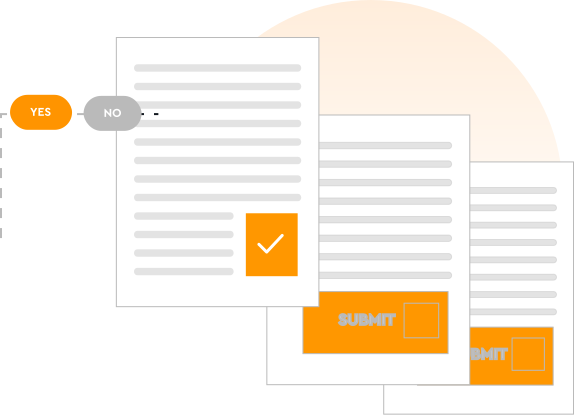
Because this is a Conflict of Interest document, the workflow can change depending on the employee’s response. 

For example: 

  • General Manager signature
  • HR Manager signature
  • Employee signature
  • Direct supervisor or manager signature

Result

Regardless of the employee’s response, the system generates the same Conflict of Interest document previously configured in Smart Documents. 

The difference is that the signature workflow changes depending on the employee’s answer.

(for example: Employee and Direct Supervisor). 

This ensures that the document is always generated consistently, while automatically applying the appropriate approval and signature workflow. 

Hear directly from our valued customers!

Legale.io Makes Headlines!
Scroll to Top